The Bible, re-set: Classic print craftsmanship—now in a simple to use offline PDF.

Keep the Word in your heart,
not on someone else's server.

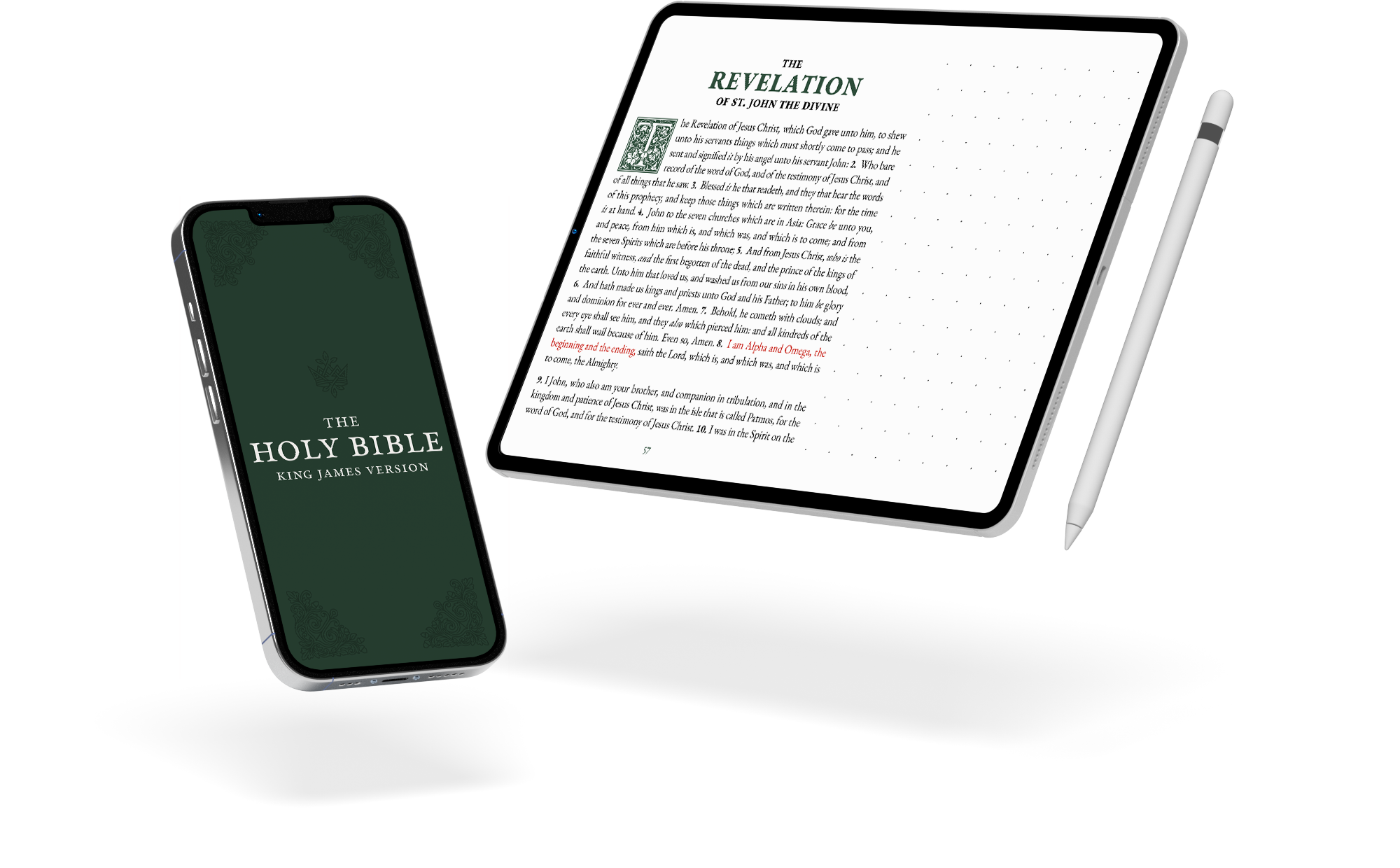
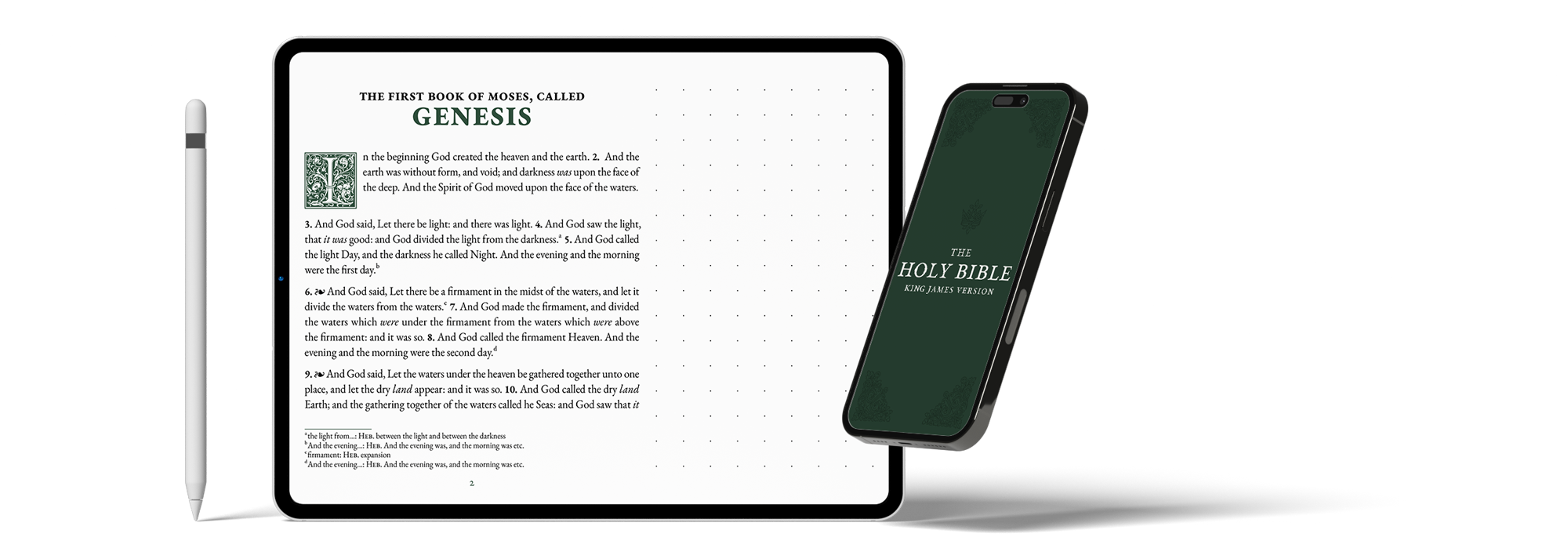
A phone and tablet displaying a digital King James note-taking Bible.

Just you and the Word, anytime, anywhere. Offline and yours forever.

Keep your faith wherever you are.

We are overwhelmed.

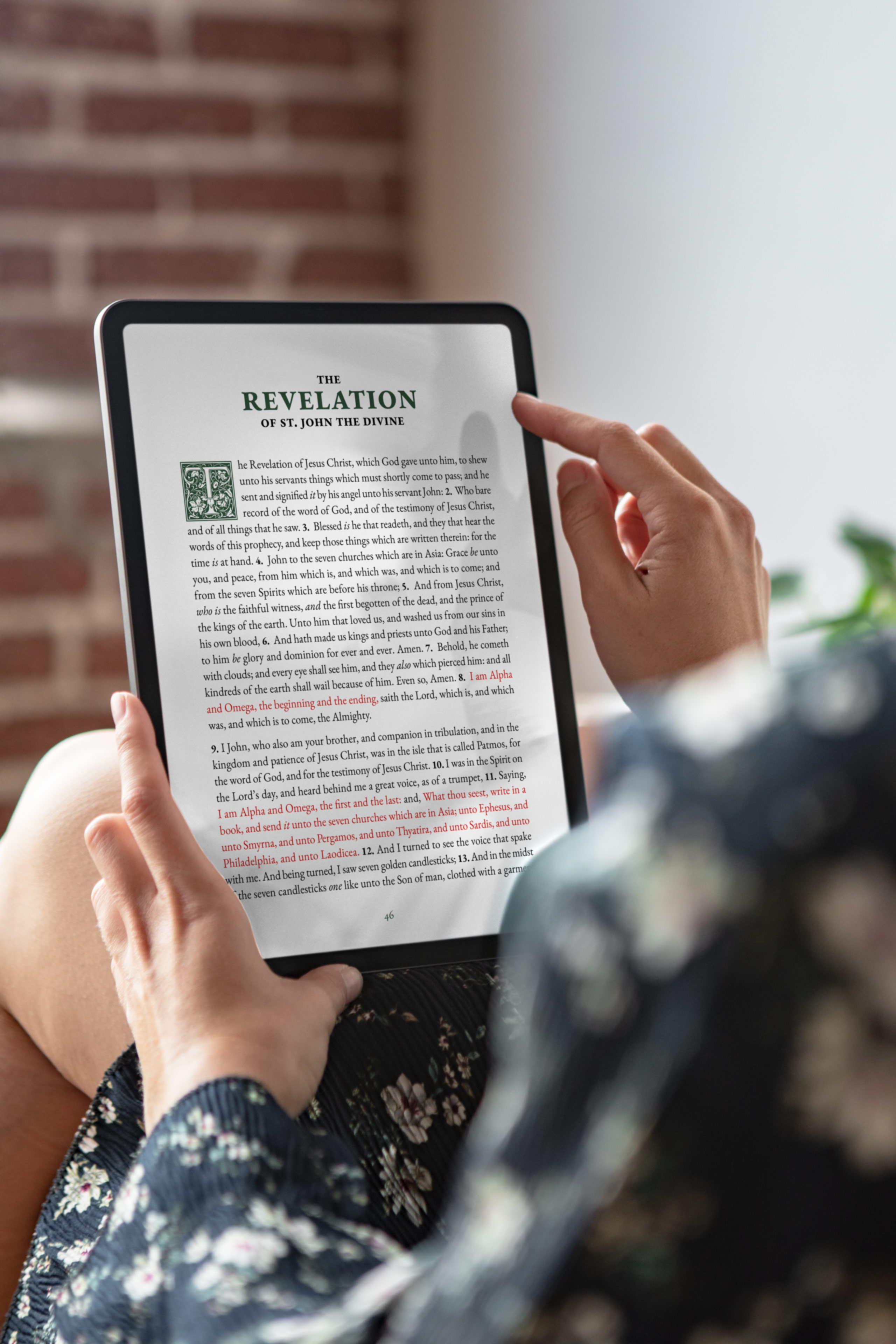
KJV Bible on tablet

Journal + Notetaking Edition: Some days you want to simply read. Other days you want to write in the margins. The Journal Edition is for clean, uninterrupted reading with journaling templates and study guides. The Notetaking Edition adds wide margins for your Apple Pencil, stylus, or pen beside the text. Over time, it becomes your Bible.

Open it your way: Make it yours in the small ways that matter. Open it in the PDF reader you trust, on devices you own. If you choose the Personal Edition, we prepare it just for you, so it feels like yours from the first page.

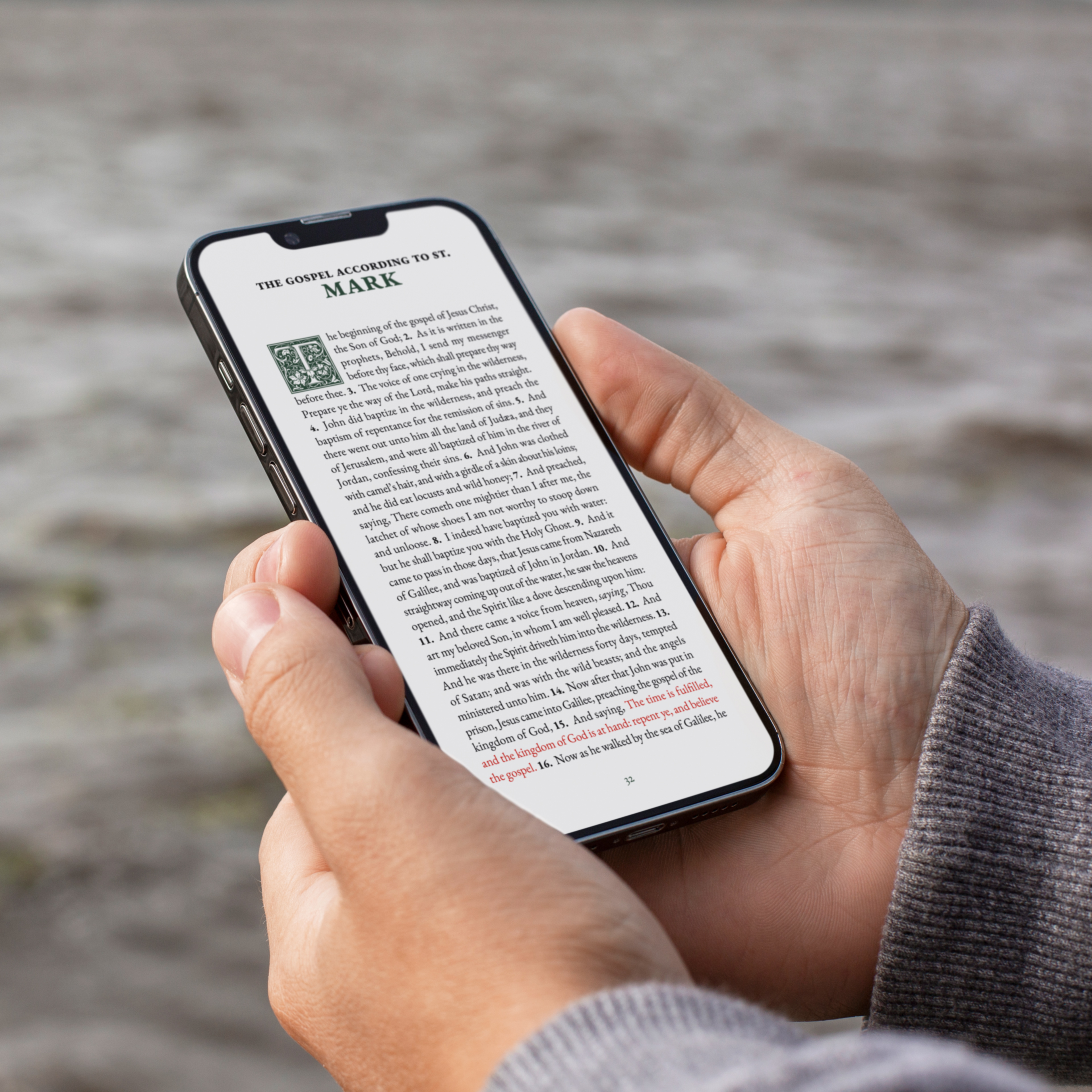
Made like a book: Built the way a good printed Bible is built. The type is sized for long reading, the spacing gives each verse room to breathe, and nothing on the page competes for your attention. It's meant for the kind of reading you come back to for years.

Built for how you actually read.

Offline by design

Download it once and keep it on your device. It opens anywhere, even in airplane mode, without needing a login or an internet connection. It appears the same way every time.

Easy to navigate

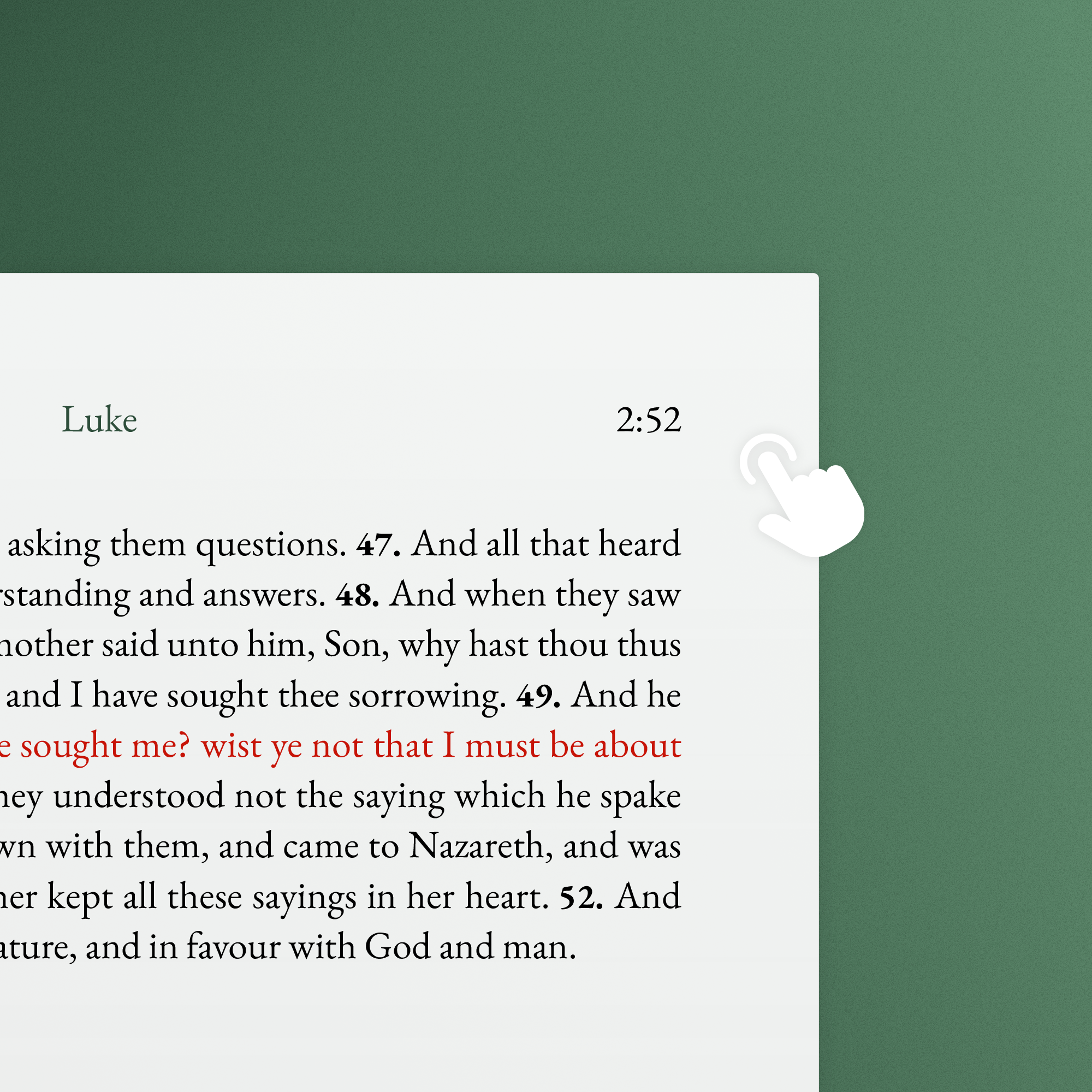
A clear table of contents, bookmarks, and hidden links help you move through Scripture without losing your place. You can jump to where you need to be and return without breaking the moment.

Typeset like a book

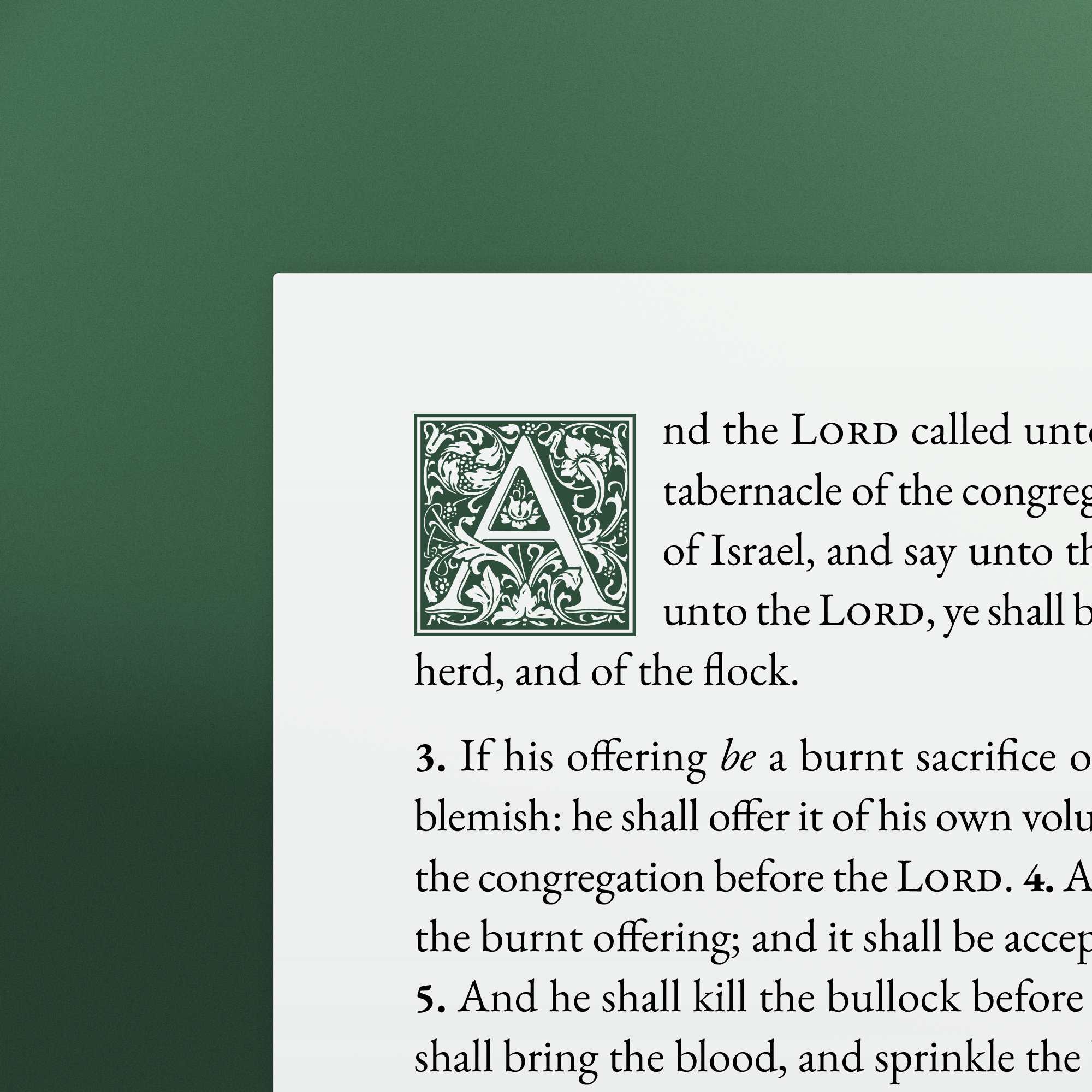
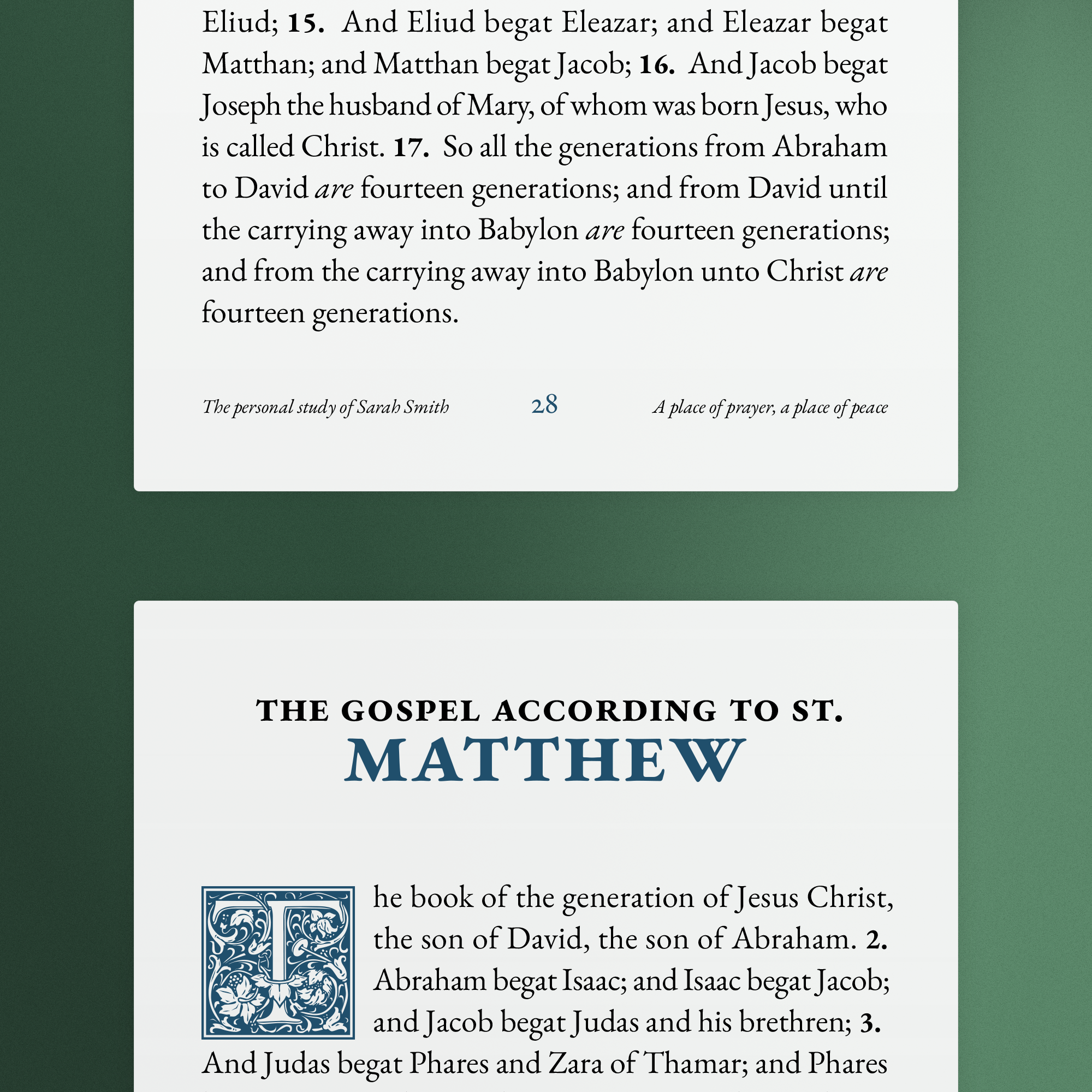
The typeface, line length, and spacing are set the way a printed Bible would be. Nothing on the page competes for your attention. You read the way you would with a physical book, and the screen disappears.

Personal Edition

Get a personal Bible, prepared for you before delivery. We create a one-of-one edition in your chosen colors, with your name, your dedication, and your font size built in. You can also add a personal index of the passages you return to most.

Choose your edition

One-time purchase. Yours to keep, with nothing to renew.

Journal Edition

$19.00

For focused, uninterrupted reading.
Book-like pages that feel familiar every time you open them.

Choose Journal Edition
  • Phone, tablet, and print-ready layouts
  • Clean pages designed for focused reading
  • Premium artisan typography

Best for: Daily reading and devotions

Notetaking Edition

$39.00

For readers who write as they read.
Wide margins sized for Apple Pencil, stylus, or printed notes.

Choose Notetaking
  • Wide margins on every page for notes and study
  • Portrait and landscape orientations
  • Dotted, lined, or clear margin styles

Best for: Study with stylus or pen

Most personal

Personal Edition

$129.00

For those who want their Bible, not just a Bible.
A personal edition that welcomes you back every time you open it.

Choose Personal
  • All Journal + Notetaking layouts included
  • Choose your cover color and accent color
  • Font size tailored to you
  • Personal dedication page and footer line
  • Custom contents page with your favorite passages
  • Made once, for you alone

Best for: A Bible that is yours

Included in every edition:

  • Reading plans, journaling templates, and study guides
  • Includes original footnotes
  • Light and dark mode included
  • Offline by design, opens in any PDF reader
Free edition

Experience the quality for yourself

Download Psalms & Proverbs in four layouts. Try it on your device, try it with your stylus. Free, no app required.

Founder memo

Anchor & Oak

Reading the Bible on a screen shouldn't feel like a compromise.

We wanted a Bible on our devices that didn't pull us back into the internet. Something that opened like a book and let us stay there.

Most digital options feel like they were built for something other than reading. Bible apps come with accounts and notifications. Many PDFs look like scanned pages or Word documents. You can get through them, but none of them really feel like a Bible.

So we built something different:

  • Thoughtful typesetting that honors the text
  • Layouts designed for focused, sustained reading
  • Yours to keep, with nothing between you and the Word

We built this for people who care about how they read the Bible. Open the free edition and see for yourself.

Frequently asked questions

Common questions about our digital Bible editions.

How is a Bible PDF different from a Bible app?

Bible apps require accounts, collect data, and depend on company servers to keep working. They can change features, add ads, or shut down. A Bible PDF is a file you own. It lives on your device, opens without internet, and will still work many years from now. It works like any file you own.

Journal Edition or Notetaking Edition?

The Journal Edition is optimized for reading with clean typography, plus journaling templates and reading plans in the back. The Notetaking Edition has the same text plus wide margins on every page for handwritten notes with Apple Pencil, a stylus, or a pen on paper. It pairs naturally with GoodNotes, Notability, LiquidText, and PDF Expert.

Does it work on my device?

Yes. A Bible PDF works on iPhone, iPad, Android, Mac, and Windows. Most people open it with Apple Books (iPhone/iPad), Adobe Acrobat Reader (all platforms), or PDF Expert (iPad/Mac).

Can I use my Bible on multiple devices?

Yes. Once you purchase, the PDF is yours. You can save it to your phone, tablet, laptop, and desktop. There's no account, no device limit, and no DRM. It works like any other file you own.

What is the Personal Edition?

The Personal Edition is a Bible tailored to you. Add a personal dedication, choose your cover and highlight colors, adjust the font size, and include a custom table of contents with your favorite verses. It includes everything from the Notetaking Edition, plus the details that make it yours.

Can I highlight, add notes, and use bookmarks?

Yes. Most PDF readers support highlights, notes, and bookmarks. For annotation, apps like GoodNotes, Notability, Noteshelf 3, LiquidText, or CollaNote work well. If you use a stylus, the Notetaking Edition gives you room to write beside the text instead of on top of it. Your annotations stay with you, no account needed.

The Word, wherever you are.

Offline

No internet required

Private

No account or login

Forever

Yours to keep always

Accurate

From trusted Scripture

Portable

On any device

Pure

Just you and the Word